Front-main

front-main

CREATION TOOL

VOCALOID keeps evolving.Discover three groundbreaking solutions.

VOCALOID Editor

With just a melody and lyrics, your personal vocalist takes the stage. Select PC or mobile to suit your workflow and creative scene.

  • PC

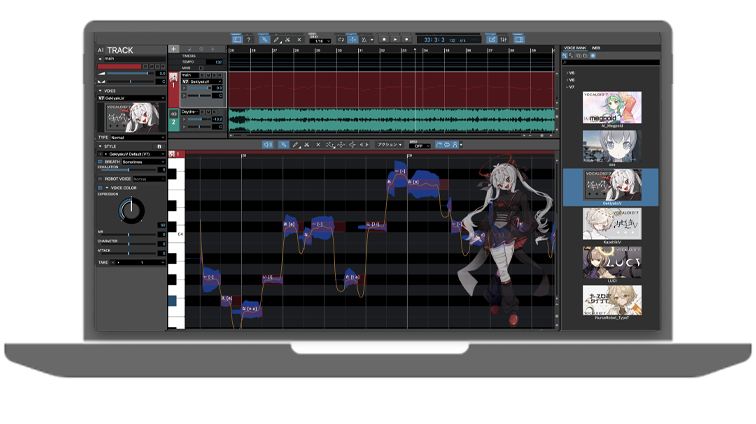
    VOCALOID7 Editor operation image

    VOCALOID7 Editor

    VOCALOID:AI powers intuitive editing tools for more expressive vocal performances. Expand your vocal palette with voice banks designed for your creative needs.

    • asa
    • LUCI
    Learn more about VOCALOID7
  • Mobile

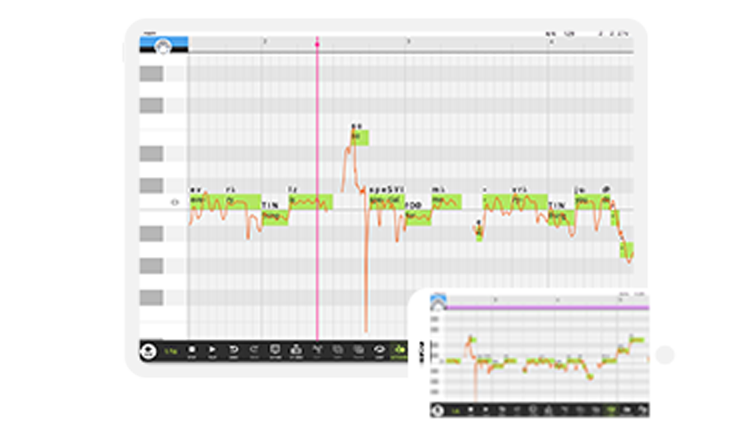
    Mobile VOCALOID Editor iPad/iPhone operation image

    Mobile VOCALOID EditoriOS

    Subscription plan:
    USD 6.99 (before tax) / month.

    Try it free for 14 days with "VY1 Lite" and "asa".

    QR code:Mobile VOCALOID Editor App Store download Mobile VOCALOID Editor App Store
    • asa Idol
    • asa Rap
    Learn more about Mobile Editor

VOCALO CHANGER

A vocal synthesis plugin. Put a new style of vocal expression in your hands.

  • Plugin

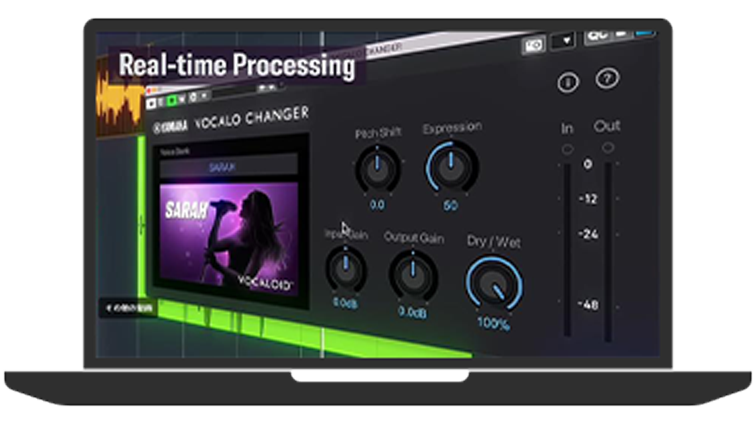
    VOCALOID CHANGER PLUGIN operation image

    VOCALOID CHANGER PLUGIN

    VOCALOID:AI voice banks faithfully reproduce your vocal expression.
    Select from a wide range of unique voices across languages and genders.

    • Original
    • After
    Learn more about VOCALO CHANGER

HOW TO USE

Everything you need to start using VOCALOID today— delivered step by step, from essential knowledge to practical tips.

  • Experience VOCALOID with “Frog Song” from basic data input to final adjustments and export. Let's enjoy creating music and vocal performances.

  • Mobile VOCALOID EDITER First, listen, touch, and try it out.

    Start by listening, touching, and trying it out. Play the included songs, change the lyrics, and experiment freely! The app offers a 14-day free trial. Once the melody starts playing, try coming up with your own lyrics!

Learn How to Use VOCALOID